Device Recharge Portal
Direct Recharge Pricing
Choose Your Mantra Device Recharge Plan
Select your exact scanner model below. Completing your L1 device recharge or Iris scanner renewal through this portal guarantees fast activation in under 5 minutes on the central Aadhaar management server.
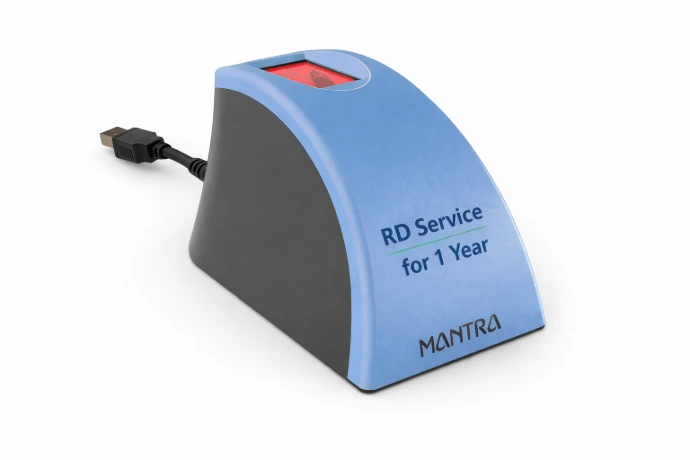
Mantra MFS110 L1
Aadhaar Fingerprint Scanner
- Fast Activation (Under 5 mins)
- Instantly Fixes Error 1001 & Error 700
- Direct L1 device recharge
- 100% Works on AEPS, CSC, PayNearby
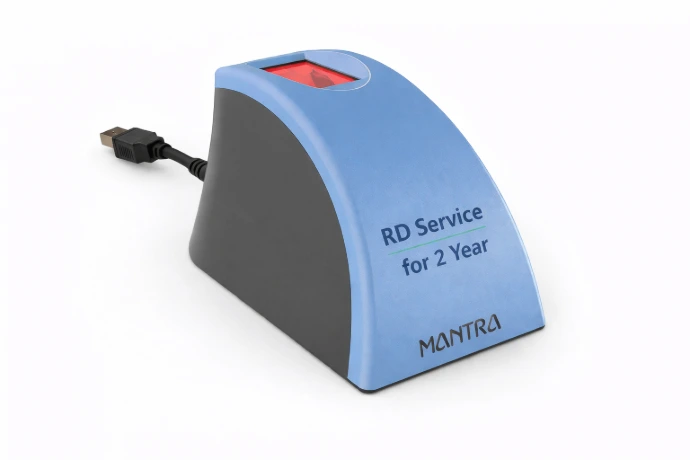
Mantra MFS110 L1
Aadhaar Fingerprint Scanner
- 24-Month Uninterrupted Validity
- API-Driven Fast Activation
- Mandatory L1 Cryptographic Updates
- Priority Support & Whitelisting
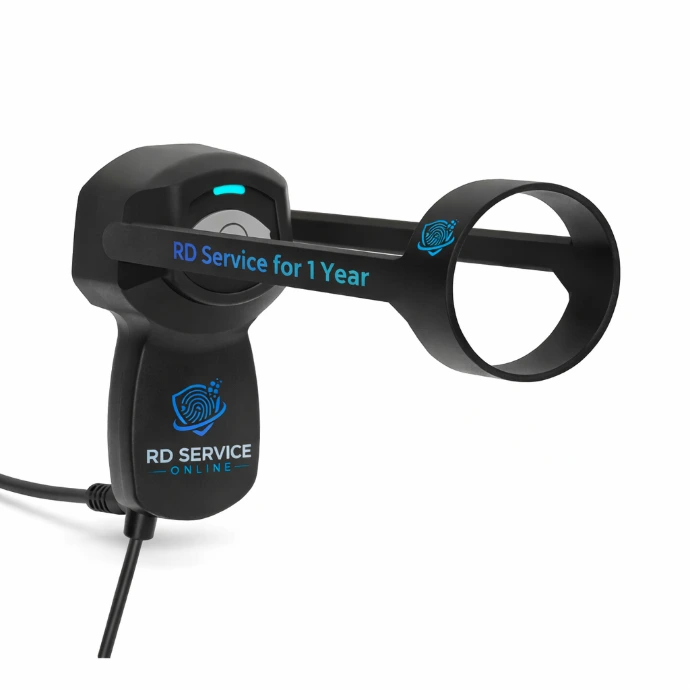
Mantra MIS100 V2
Dual Iris Scanner Device
- Fast Activation (Under 5 mins)
- Iris RD Server Whitelisting
- Optimized for PM-Kisan & Jeevan Pramaan
- Eliminates Error 1001 instantly
Resolve Technical Biometric Errors
Fix "Error 1001" Instantly
If your Mantra MFS110 or MFS100 fingerprint scanner is throwing red error codes during Aadhaar authentication, it means the device has lost its registration status. Processing your direct Mantra Device recharge here provides the fast activation needed to clear these strict UIDAI errors immediately.
Device Not Registered / Not Whitelisted
Why it happens: Error 1001 occurs when your biometric device’s unique serial number is completely missing from the direct UIDAI or Management Server database. This commonly happens for brand-new devices out of the box, or when an old L0/L1 device recharge plan has fully expired, causing the server to drop the device from the active roster.
The Fix: You must perform a Mantra Device recharge. By paying the registration fee using the portal above, your serial number is pushed back to the server via a fast activation API integration. Within 5 minutes, your device will be re-whitelisted, and Error 1001 will disappear permanently from your AEPS software.
Certificate Expired / PID Block Creation Failed
Why it happens: Error 700 indicates that the cryptographic security certificate stored on your device has lapsed. Under the strict UIDAI L1 security mandates, all devices must rotate their encryption keys periodically. An expired RD service prevents this crucial rotation, blocking the creation of the PID (Personal Identity Data) block.
The Fix: Process your L1 device recharge using the plans above. Once the fast activation is complete, unplug your device from the USB/OTG port, restart the "Mantra AVDM" service in your Windows Services app, and plug it back in. The device will perform a secure handshake with the RD server, download a fresh certificate, and fix Error 700 instantly.
UIDAI Security Upgrades
Why L1 Device Recharge is Mandatory
The government of India and UIDAI have implemented stricter biometric protocols to prevent Aadhaar fraud. Understanding the difference between L0 (Mantra MFS100) and L1 (Mantra MFS110) devices is critical for all CSC VLEs and Banking Correspondents before processing an RD recharge.
| Feature / Security Metric | L0 Device (Mantra MFS100) | L1 Device (Mantra MFS110) |
|---|---|---|
| Cryptographic Encryption | Encrypts on the Host OS (PC/Mobile) | Encrypts inside the Hardware Chip (TEE) |
| PID Block Creation | Software Level | Hardware Level |
| UIDAI Authentication | Phased Out / Deprecated | 100% Fully Supported Active Standard |
| Mantra Device Recharge | Available, but risky due to phase-out | Highly Recommended (Fast Activation applies) |
How It Works
The Fast Activation Process
Middleman and aggregator delays are eliminated. Direct API integration ensures your Mantra Device recharge activates at record speed, minimizing your downtime.
1. Find Serial No.
Locate the 7 or 8 digit serial number physically printed on the back sticker of your Mantra L1 or L0 device, or find it using the RD Test App.
2. Process Payment
Select your L1 device recharge plan (1 or 2 years) and pay securely via a 256-bit encrypted payment gateway.
3. Fast Activation API
The automated system instantly pushes your serial number to the central UIDAI whitelisting server without manual intervention.
4. Device Ready
Restart your Mantra RD app or Windows Service. Error 1001 is fixed permanently and you are ready to process transactions.
One Recharge.
Unlimited AEPS Ecosystems.
Completing your Mantra L1 device recharge ensures perfect, error-free compatibility with every major banking correspondent portal, telecom KYC app, and government Aadhaar platform in India.
Software & Drivers
Download Mantra MFS110 RD Service Drivers
After your fast activation completes, ensure you have the latest signed device drivers installed. Older software versions may still throw errors even if the device is whitelisted. Download the Mantra RD Service APK or the updated Windows driver below to finalize your L1 device recharge setup.
Open Developer PortalWindows L1 RD Service & Driver
Version 1.3.0 | Supports Windows 10/11 (32 & 64 bit)Android L1 RD Service APK
Version 2.1.4 | Play Store Release (Android 8+)Helpdesk
Frequently Asked Questions (Troubleshooting)
Direct support answers regarding fast activation, error 1001 resolution, validity checks, and L1 device recharge procedures.
Yes, absolutely. Error 1001 strictly means your specific scanner is missing from the active RD server database. By completing your Mantra device recharge on this page, your device is permanently removed from the unregistered list for the duration of your 1-year or 2-year plan. This is a verified, UIDAI-compliant way to resolve Error 1001 and restore device functionality.
To check if you actually need an L1 device recharge, plug your Mantra scanner into your Android mobile phone using an OTG cable. Open the Mantra RD Service Test App (downloadable from the Play Store). Click on "Capture Test". If the app throws an error stating "RD Service Expired", "Error 700", or "Device Not Whitelisted", your validity has ended and you must purchase a renewal plan above to continue operations.
If you have paid for your Mantra Device recharge but your PC or Mobile still shows Error 700, your local machine is reading an old cache. You must force it to sync with the RD server:
- Android: Go to Settings > Apps > Mantra RD Service > Storage. Tap Clear Data and Clear Cache. Unplug the device, open the app, and plug it back in. It will download the new certificate.
- Windows: Press the Windows Key, type
services.mscand hit Enter. Scroll down to find the Mantra AVDM service. Right-click it and select Restart. Reconnect your scanner. The "Framework is Ready" popup confirms successful activation.
Urgent Alert: UIDAI L1 Phase-In Mandate
In strict adherence to UIDAI security directives, legacy Level 0 (L0) biometric devices are being actively deprecated across all banking and government portals. To prevent immediate AEPS and eKYC service blackouts, and to avoid constant "Device Not Supported" software errors, all CSC operators and retail agents must upgrade their hardware to the Mantra MFS110 L1 scanner and maintain an active L1 device recharge at all times.